
Hi everyone! We wanted to take a moment to talk more about the Ability Loadouts feature that’s coming to the game in our next update. We think this is something that will be very useful for many of you, so you can think of this dev diary as sort of an “instruction manual” for how to use it.
Why Loadouts, and why now?
One of the fundamental aspects of our combat system is the idea of a limited action set – the concept that you won’t always have access to every ability that your character knows in every combat situation. Our goal with that limited action set is twofold: First, it adds an element of strategy and preparation to our game’s combat by requiring players to think about what they plan to use before they get into a fight. Secondly, it allows us to give our classes a wider variety of powerful and interesting abilities to use in different situations and still help keep things feeling intuitive and distinct. All of us have played games that suffered from too many buttons to push in high level gameplay. Not only does this lead to UI bloat, but it can also make abilities feel redundant and overwhelm players with complexity. We would much rather that the challenge in Pantheon come from interesting and engaging content, rather than from trying to memorize a complicated rotation or figuring out which button to use out of four or five hotbars at high levels.
However, that Limited Action set comes with a downside because it introduces a level of micromanagement of your hotbars. That might seem like a small thing, but having to reconfigure your hotbar for different situations isn’t always much fun, especially if you’re just using the same combinations of abilities that you always use when you do it. Since we still want our classes to have many different abilities, we knew we were going to need a way for players to easily manage those abilities, without always having to drag and drop individual ability icons into their hotbar.
This has always been a need, and thus always been something we planned to do, but our rework of the summoner class made it a much more urgent priority. Under the new approach, Summoners need to be able to change which abilities are on their hotbars based on which pets they are using, and are likely to switch between pets fairly frequently depending on the situation they find themselves in.
Thus, we prioritized the development of the Ability Loadouts feature to make sure it happened alongside the Summoner update. This feature will allow our summoners to more easily switch between their different pet types. At the same time, it should also be a welcome capability for every other class, simply by allowing you to set up preconfigured hotbars that you can switch between for various situations. Our goal with the system was to try to make it as free-form and intuitive as possible; while making sure we also had some protection in place to prevent it from being abused or exploited.
How Loadouts Work
Every character gets four potential loadouts. We may increase this number in the future, but we felt that this number would give everyone the ability to save several different loadouts without making the UI overly complicated. When you log in after the feature is enabled, you will see a small icon next to your hotbar. You can click this to bring up the loadout list for your character.
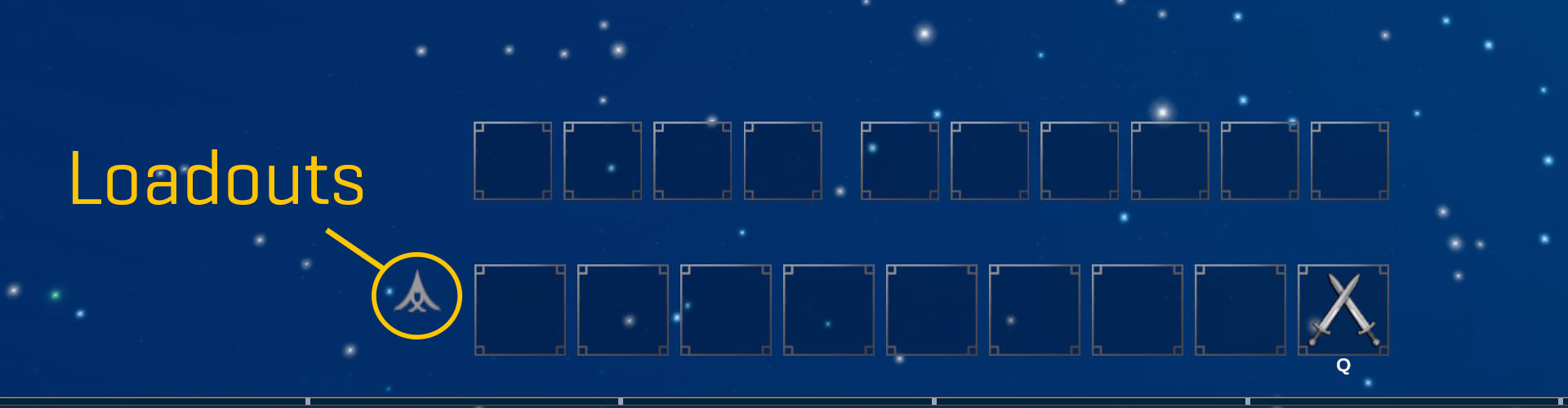
When you click this button, you will see the list of your loadouts. By default, we have named them Loadout 1 – Loadout 4. We know that these are very exciting and descriptive names, but just in case you want to change them, you can rename any loadout by right-clicking on it within the list.
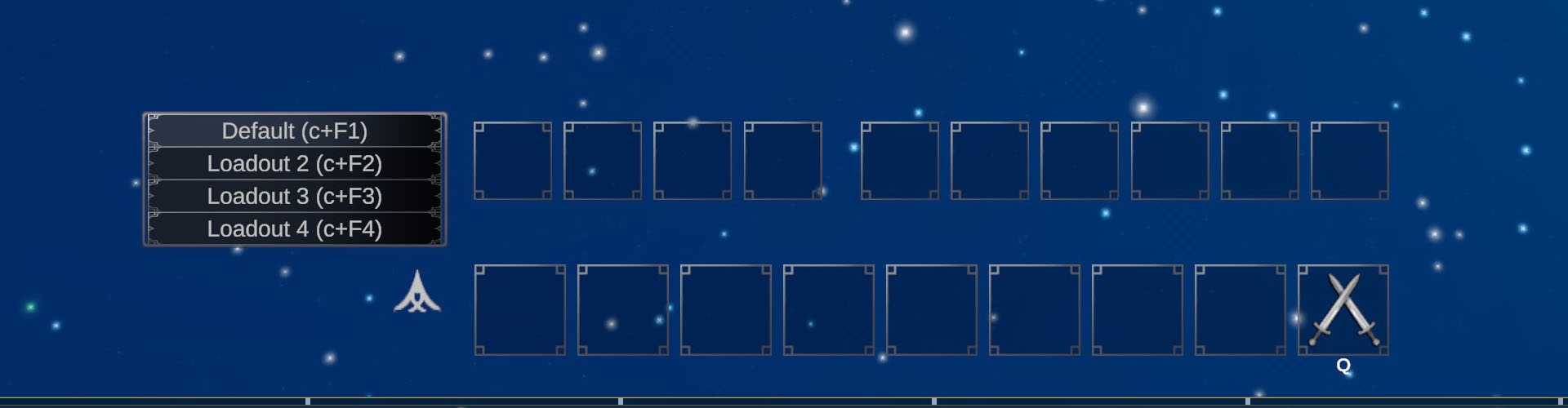
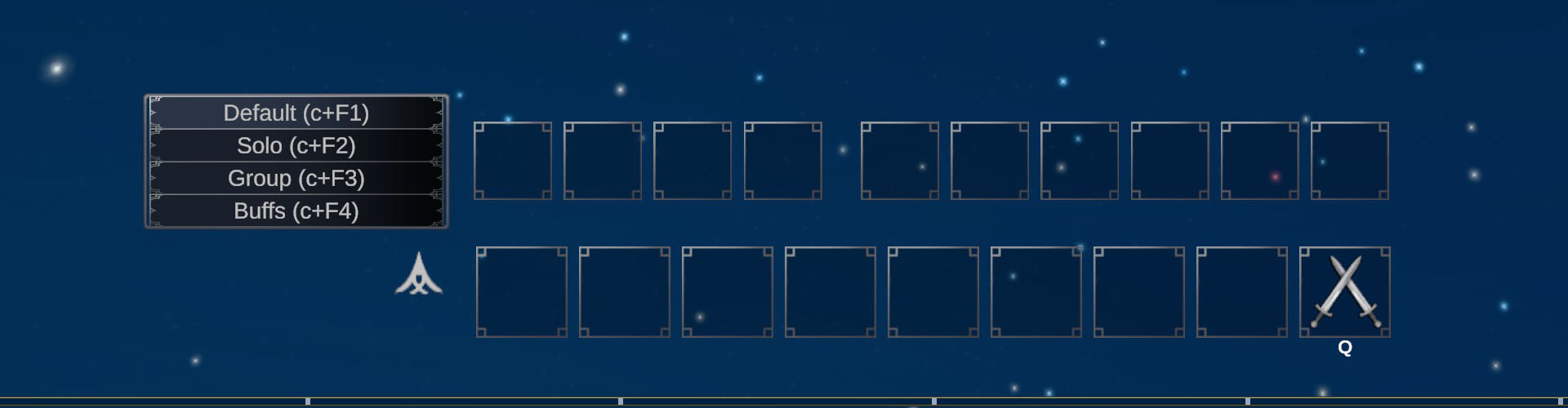
Your current hotbar will be saved to Loadout 1 (or whatever you rename it to) when you first log in. If you want to change this loadout, all you have to do is open your codex and adjust your hotbar – any changes you make will be automatically saved. To set up an additional loadout, just switch to one of the others in the list and you will get a blank hotbar. Add abilities to that hotbar like you normally would, and they will be saved automatically. After you have set up multiple loadouts, you can switch between them simply by using the selector menu. You can also use their hotkeys. By default, these hotkeys are Ctrl-F9 to Ctrl-F12, but you can reconfigure your loadout hotkeys to your liking by going to your keymaps in Settings.
Limitations
Ability loadouts are a powerful and convenient tool, but our limited action set still matters – so there some important limitations to them. First, you can’t swap your loadout while you’re in combat. If you want to change to a different loadout, you’ll need to find a way to leave combat momentarily to do that. Second, and perhaps more importantly, when you swap your loadout, all of your abilities on the new loadout will go through a short cooldown. We want ability loadouts to primarily be a strategic choice – something you do before entering a battle, rather than a tactic you rely on during the fight.
Buffs and Persistence
We can’t talk about loadouts without also talking about our buffs and pets. Many long-time players will be aware that we have a system in place right now that removes buffs if those buffs are removed from the caster’s hotbar. This system was intended as a balancing tool to prevent players from being able to enter every battle with every buff available active on them, but in practice it has just ended up frustrating and confusing players who expected their buffs to behave a different way. It has also led to all sorts of confusing issues where buffs have to be recast when zoning. We have recognized for a while that we need a better way to handle buffs in general. We want buffs to be useful and desirable, but we don’t want to create a game where we are having to balance the challenge of content around players having access to every buff from every class.
We are working on that better system now and hope to deploy it as part of the Combat and Progression update coming up. Once the change is made, you will be able to cast your buffs before combat and then switch your abilities out before engaging in many cases, and the buffs will still be present. The change should also allow buffs to persist through zoning, or if a group member logs off or gets disconnected. As part of the change, we will have to balance our buffs in a different way – many of our current class buffs will likely have their power and effectiveness reduced slightly to account for the ability to have more buffs active. We’re also looking at other potential solutions to help us balance the power of buffs, including changing some buffs to short-term effects that are meant to be used during fights, rather than effects that persist for a very long time.
While we wait for that change, here’s how buffs and pets will behave with ability loadouts:
- If you have a buff or pet on two loadouts and switch between those loadouts, the buff or pet will stay active.
- If you have a buff or pet on your loadout and then switch to another loadout that does not have that buff or pet, the buff or pet will deactivate when the switch occurs.
As mentioned, we are currently planning on lifting the restrictions on buffs altogether in the Combat and Progression update coming up. Pets will still have a restriction placed on them after that change, however.
Hopefully this guide and intro to loadouts helps get you oriented and ready for this week’s update patch!